Redirection management
Our platform supports redirect management through redirection.io using a bring-your-own-license (BYOL) model. This is currently limited to Composable Frontends.
How to configure it
You first need to have an account on redirection.io and a PROJECT_KEY.
To enable redirection.io for your application you need to do the following:
Create a secret using
sw-paas vault createwith typeenv. The key of the secret needs to beREDIRECTIONIO_PROJECT_KEY, and its value must be yourPROJECT_KEY.In the
application.yamlfile add the following:
services:
  redirectionio:
    enabled: true
Once the previous two steps are complete, you need to trigger a new deployment to activate redirection.io on your application.
INFO
We manage the agent for you, but managing redirects is your responsibility and is not covered here. Redirects must be managed through redirection.io.
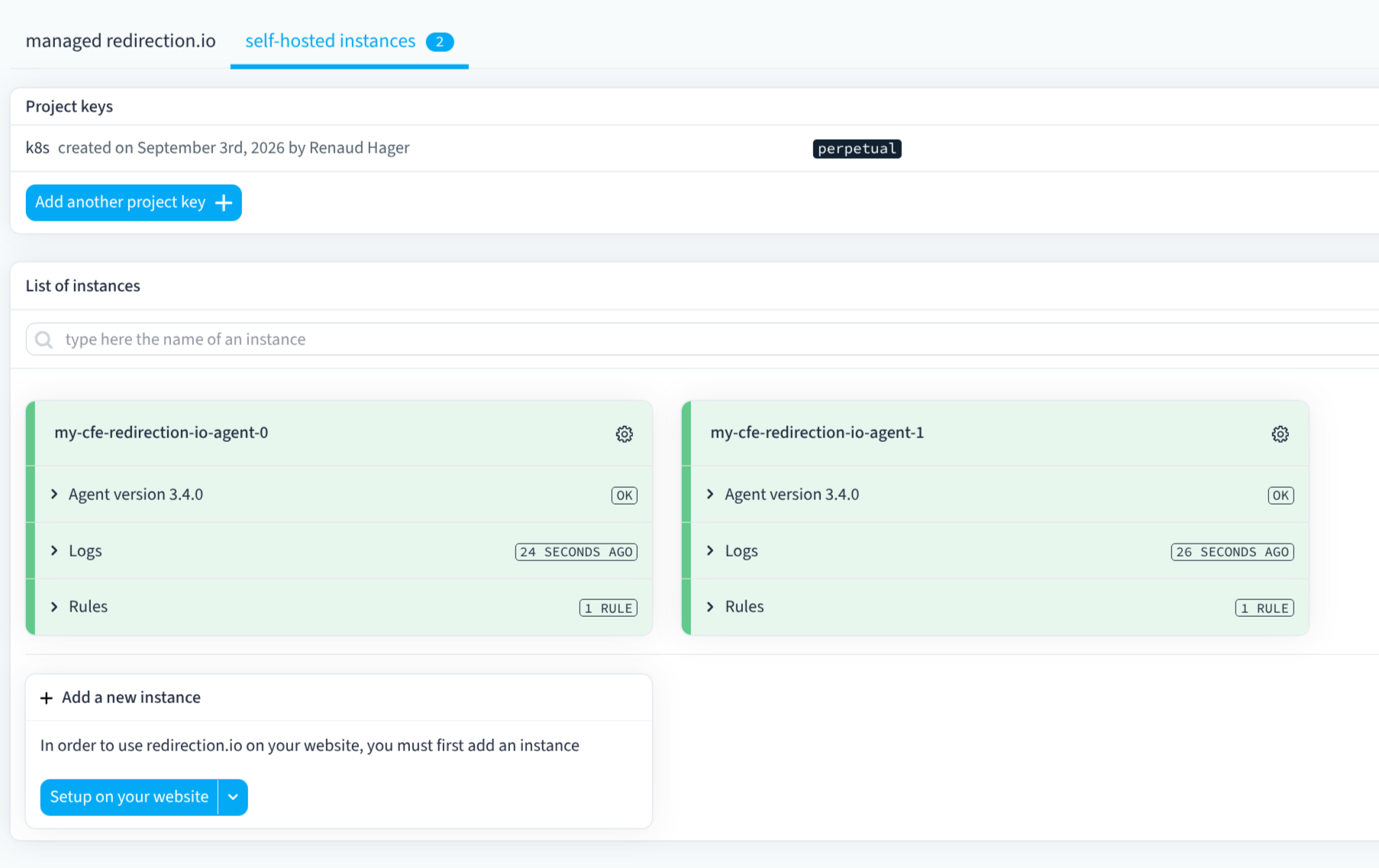
You can check that redirection.io is active in their UI (instance/self-hosted), see below: